Creating Your Perfect Resume: A Step-by-Step Guide to Our AI Builder
Writing a standout job application has never been easier, thanks to our cutting-edge AI-powered resume builder and cover letter editor.
Discover the seamless way to highlight your professional strengths. Land interviews and your dream job in no time with our intuitive tools.
Our customers have been hired by:





How to Use Our AI Editor to Create a Powerful Resume
Using our resume builder is simple and will allow you to quickly take control of your job search.
You can start on a brand-new resume or pick up where you left off.
Follow the steps below to build a resume that not only looks great, but also highlights your professional strengths with the help of AI-generated suggestions and tips.
1. Start Fresh or Pick Up Where You Left Off
To start a brand-new resume:
- Log into your account or create one if you haven’t yet
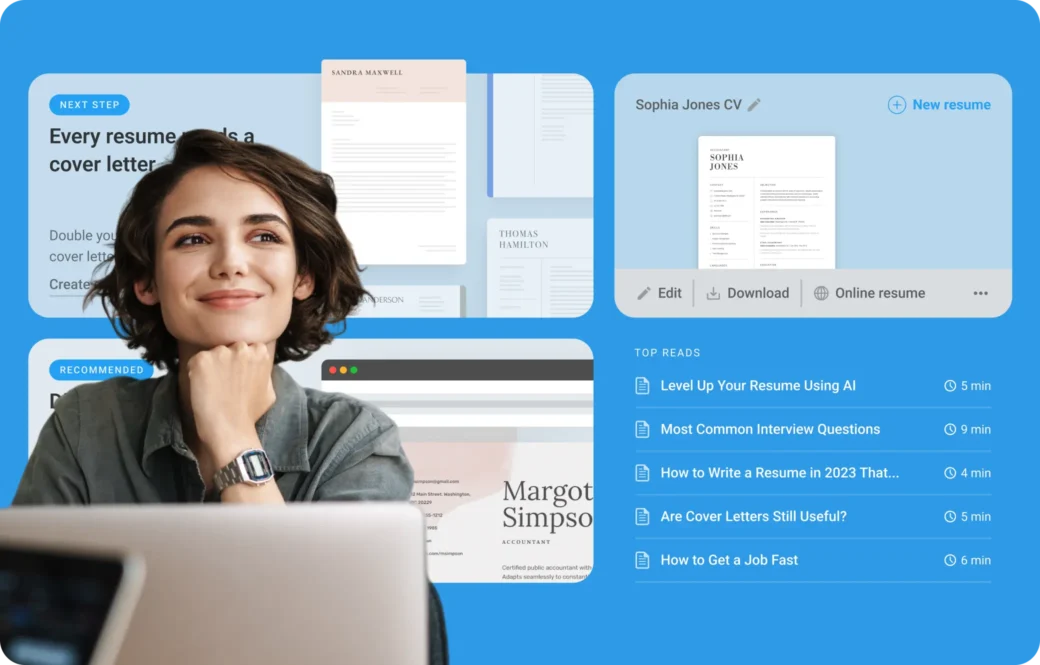
- Navigate to Dashboard
- Click on New Resume
If you’ve already started to build your resume, simply click Edit next to your existing document in the Dashboard.
2. Choose Your Template
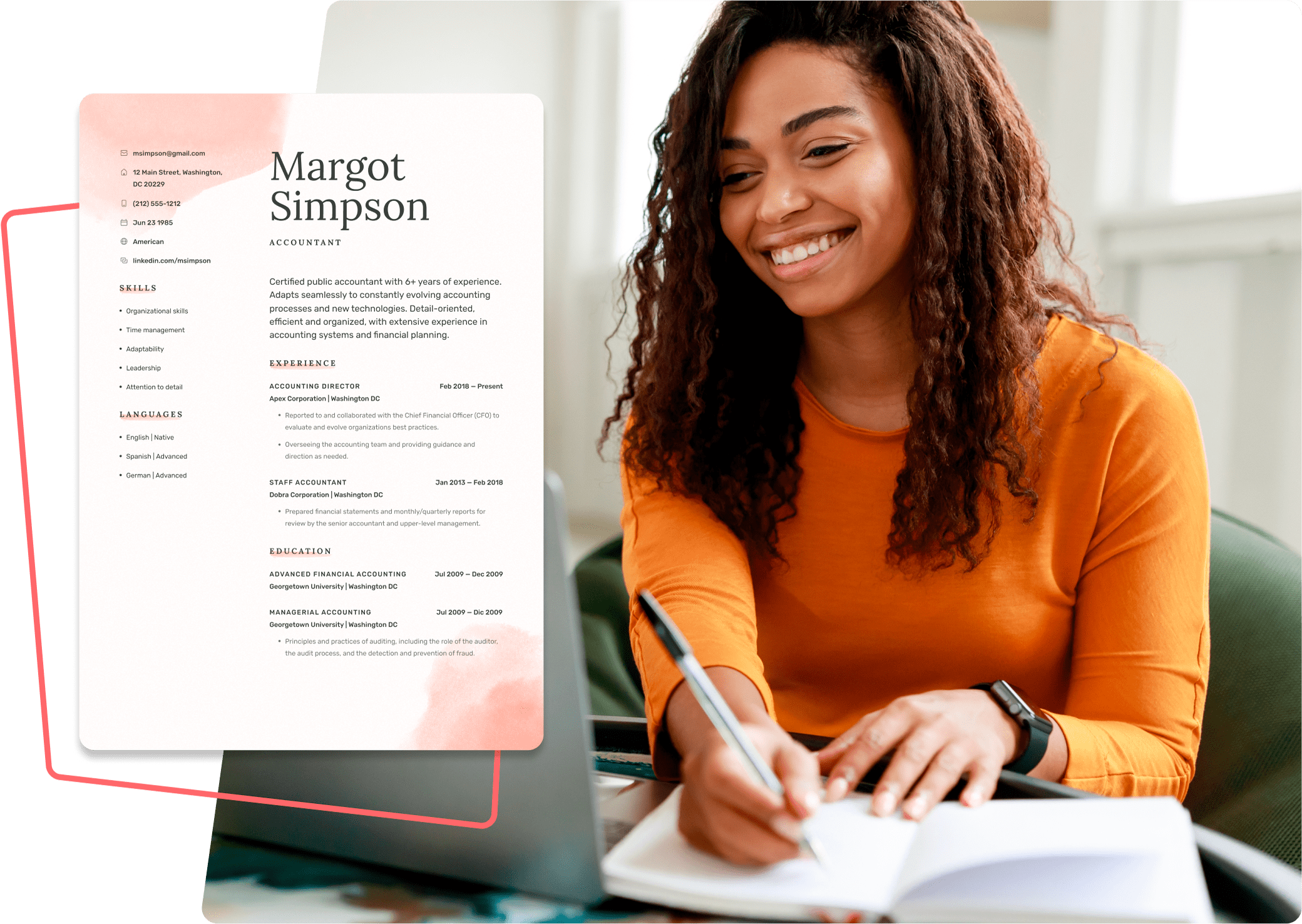
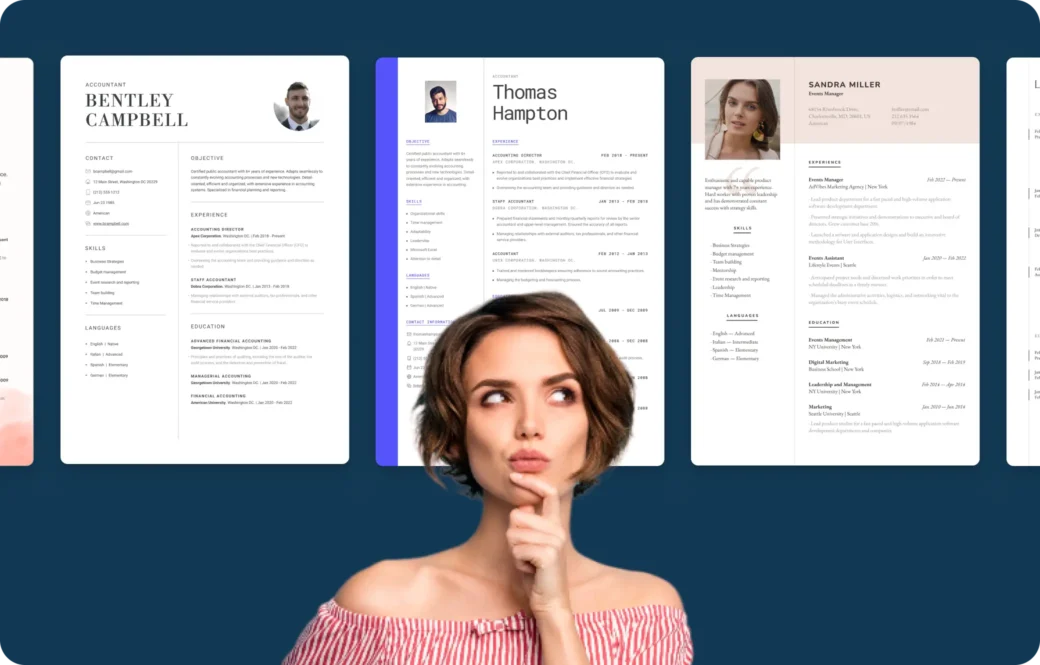
Make a statement with your resume’s design. Go through our templates to pick the design that aligns with your industry and personal style.
Opt for structures and colors that represent your job sector, enhancing your chances to impress employers.
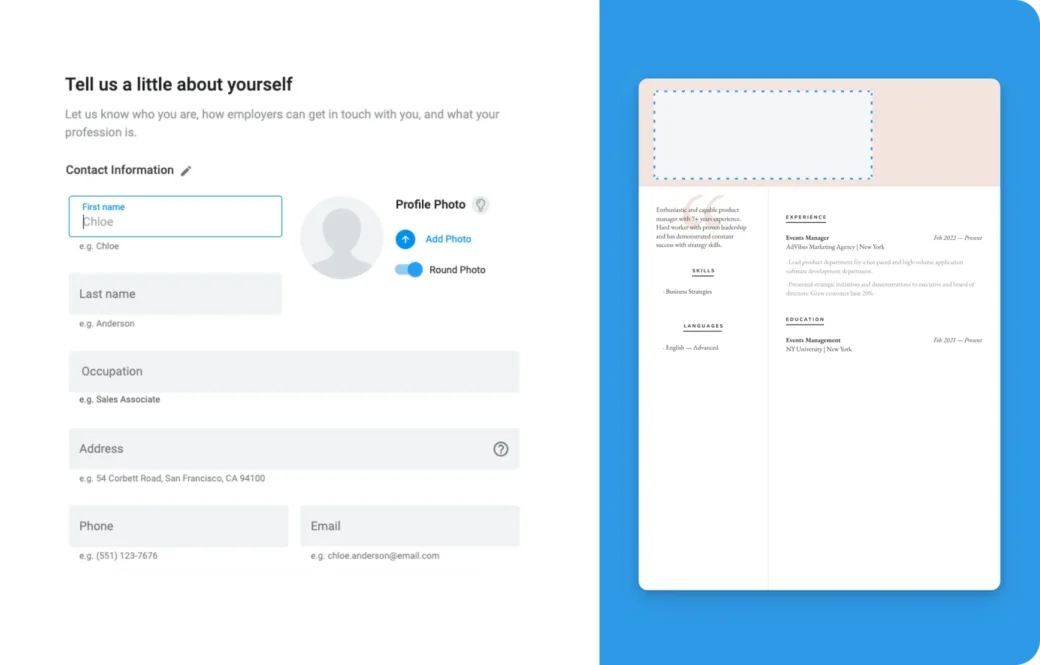
3. Enter Your Personal Details
Showcase who you are.
This is the section where you’ll add your:
- Name
- Contact information, and
- Any additional details that make you unique
These extra details can be your date of birth, nationality, and links to any of your online profiles or portfolios.
Our AI even supports photo inclusion, assessing how it complements your resume.
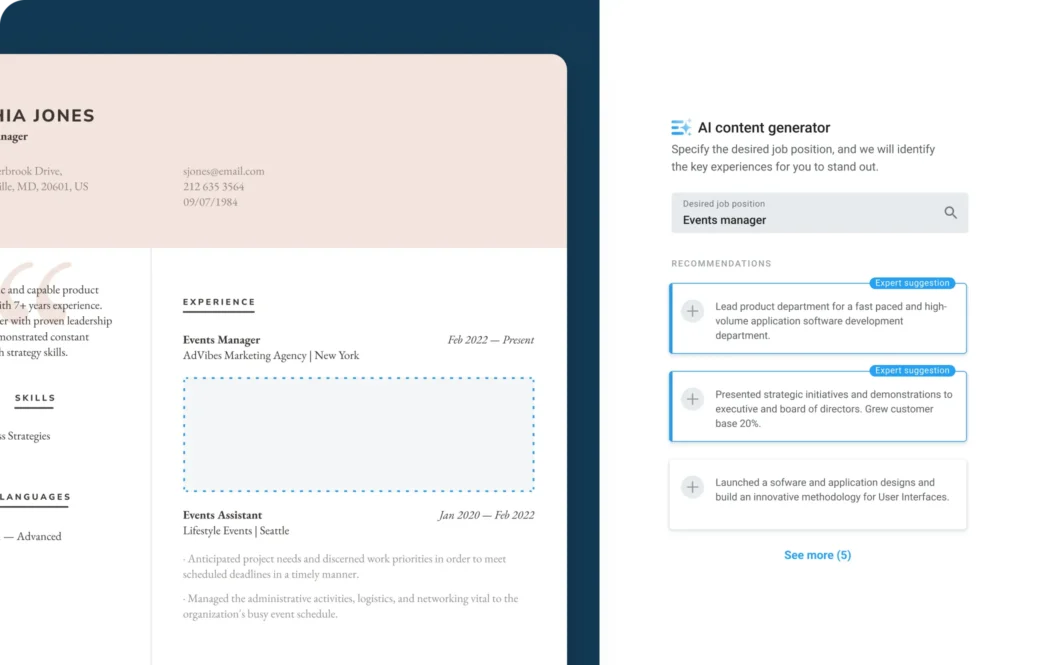
4. Add Experience With a Click
Highlight your professional journey.
Document your work history starting in the resume format of your choice. However, we recommend starting with your most recent position and working your way backward.
Stuck on what to write? Just click Generate with AI for custom suggestions that’ll make enhancing this section a breeze. It’s quick and tailored to you!
5. Showcase Your Education
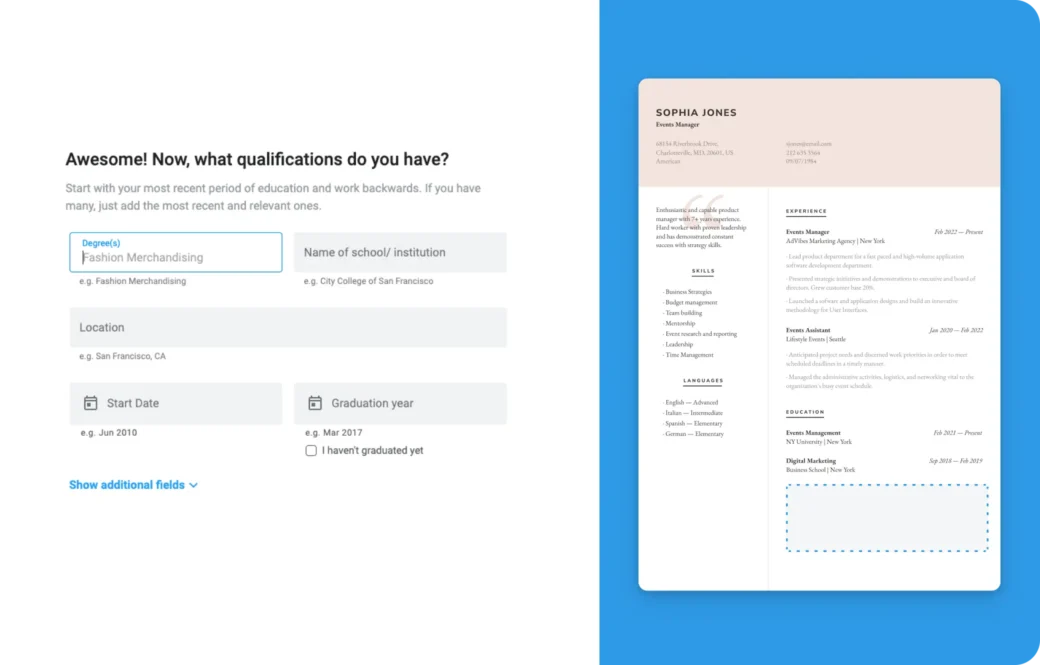
Display your academic credentials.
List your latest educational achievement first focusing on degrees, institutions, and relevant honors. This section is about celebrating your academic journey’s highlights.
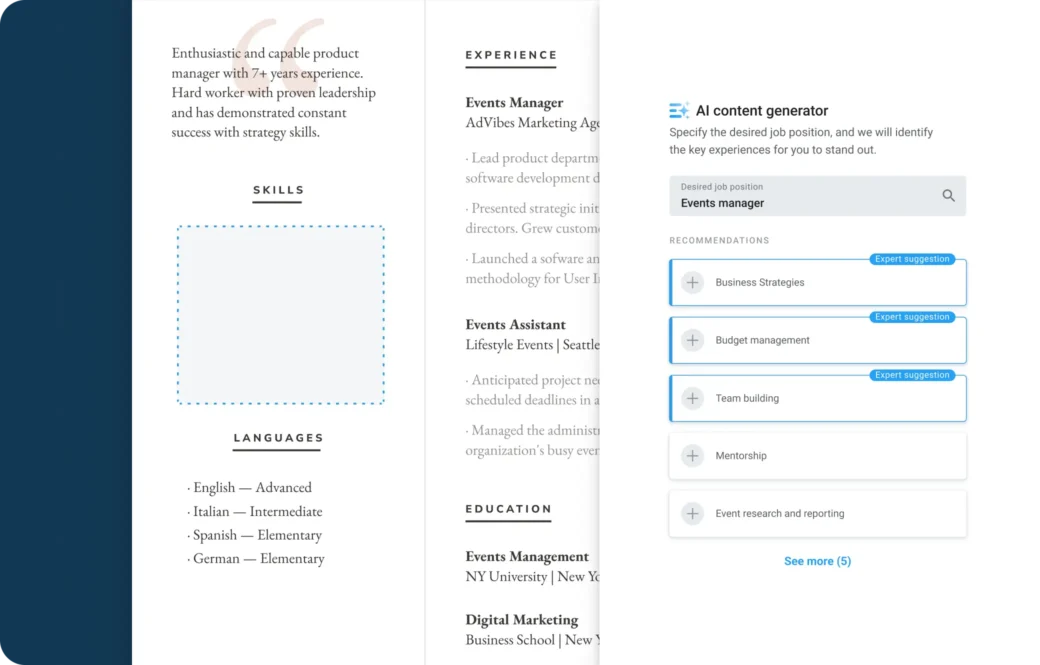
6. Boost Your Skills
Detail your abilities.
From technical skills to multilingual proficiency, our AI assistant will help you list the hard and soft skills that align most closely with your dream job’s requirements. If you speak multiple languages, remember to add your proficiency levels.
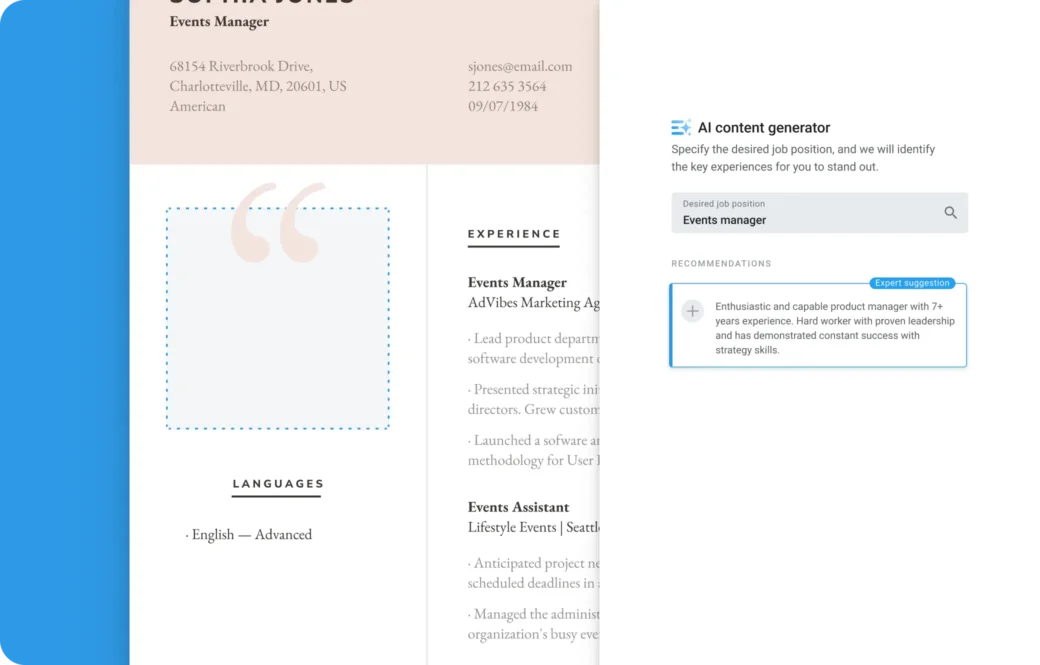
7. Write Your Summary
Add a powerful summary statement that focuses on your strengths and aspirations.
Take advantage of our AI tool for a bit of magic that’ll help you write a summary that leaves a memorable impression.
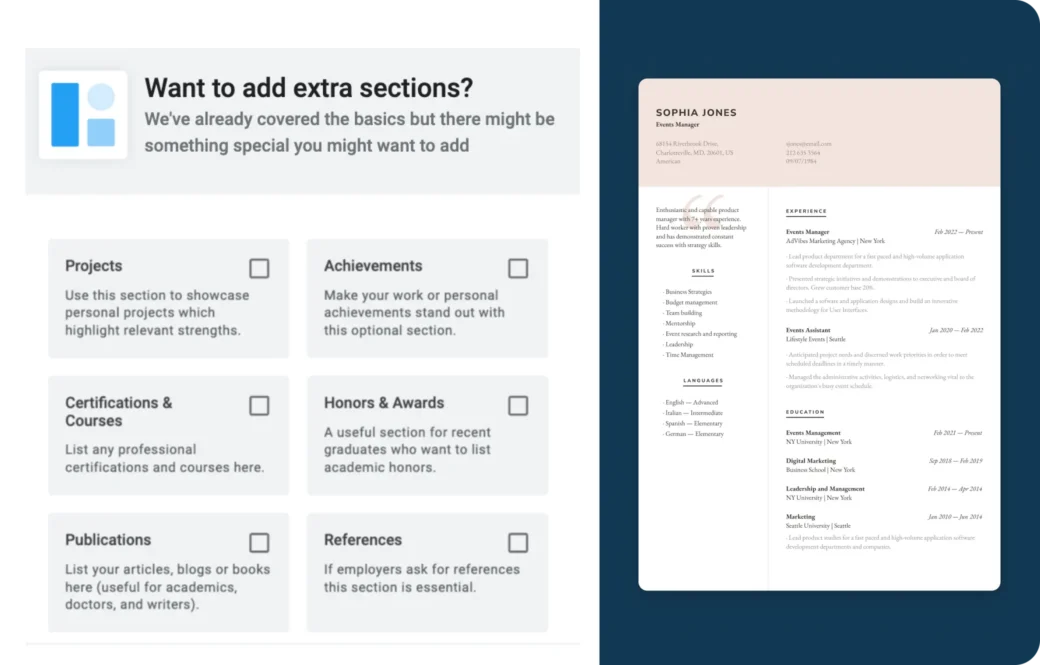
8. Add Extra Sections
Go beyond the basics.
Use additional sections for standout projects, certifications, publications, or references. This is your space to shine and show potential employers what makes you the ideal candidate.
Make all of your qualifications count!
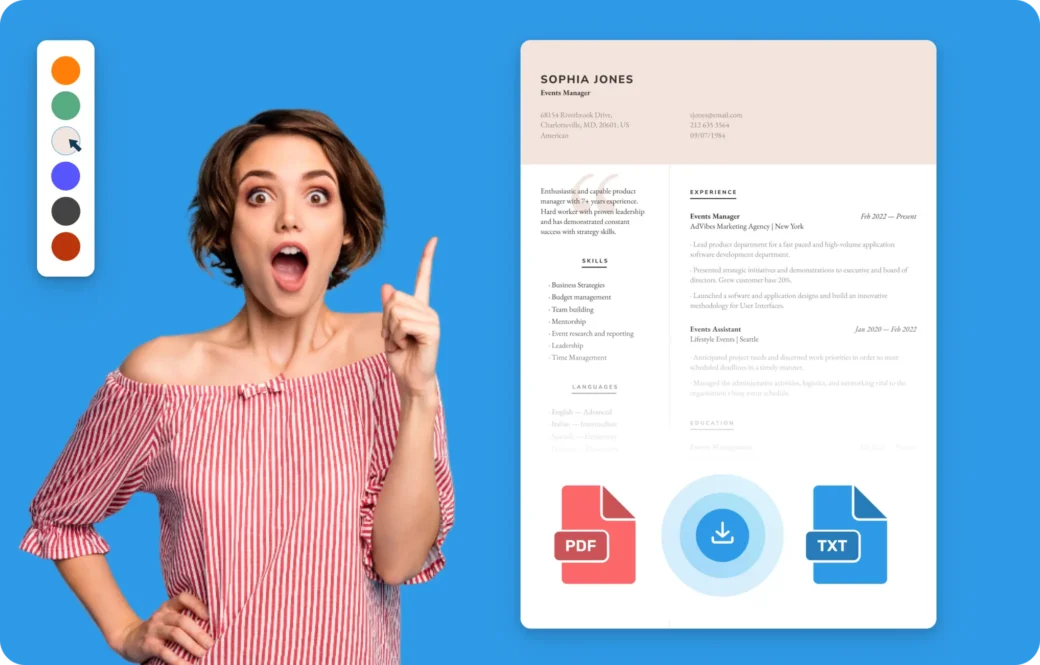
9. Preview and Perfect Your Resume
End with flair.
Adjust sections, swap templates, and experiment with fonts and colors to make your resume truly yours.
When it’s just right, hit Download and step confidently into your job search.
How to Use Our Cover Letter Editor
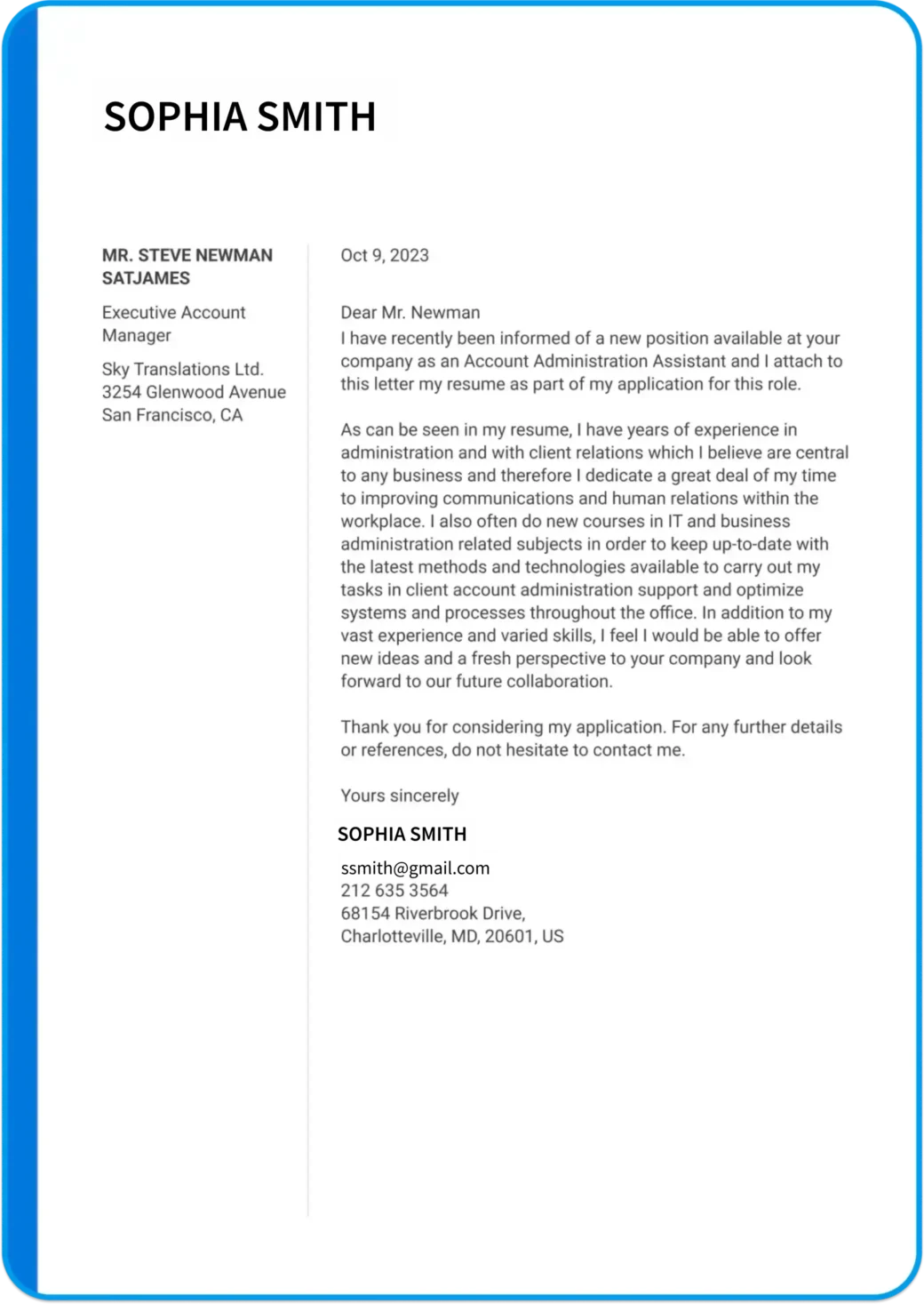
First impressions count. And with our cover letter editor, you’re equipped to make every word of your introduction resonate with potential employers.
Here’s how straightforward it is to write a personalized introduction that captures the attention of potential employers.
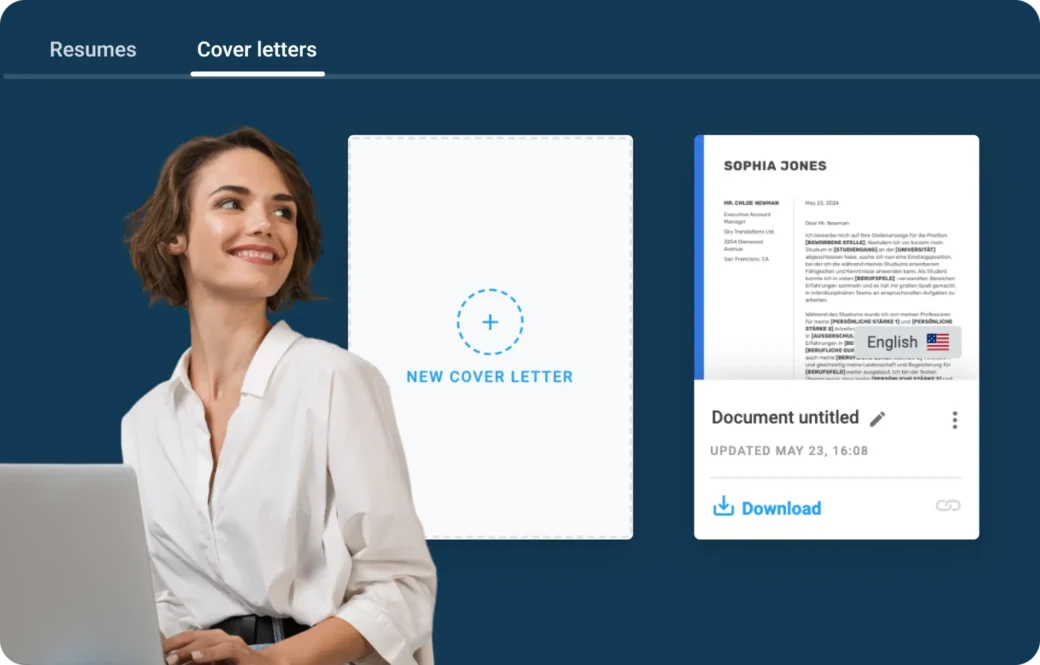
1. Begin in the Dashboard
To make an impactful first impression:
- Go to Document
- Find the Cover Letter tab,
- Click on New Cover Letter
Those are your first steps toward creating an effective introduction that’ll set you apart.
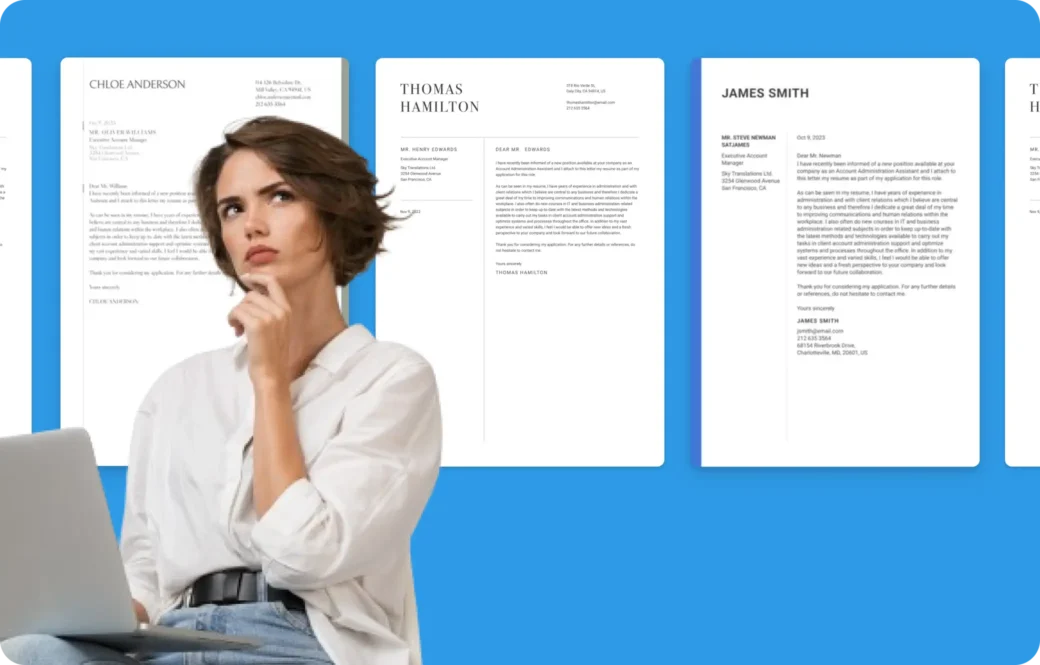
2. Pick Your Template
Style your narrative.
Choose from our array of cover letter template, each crafted to make a solid impression on your prospective employer, so pick that one template that works best for your position.
Remember, the design of your cover letter can speak volumes about your professionalism and attention to detail. Each one is designed to make a solid impression,
Don’t worry, you can always switch to another one later if you change your mind!
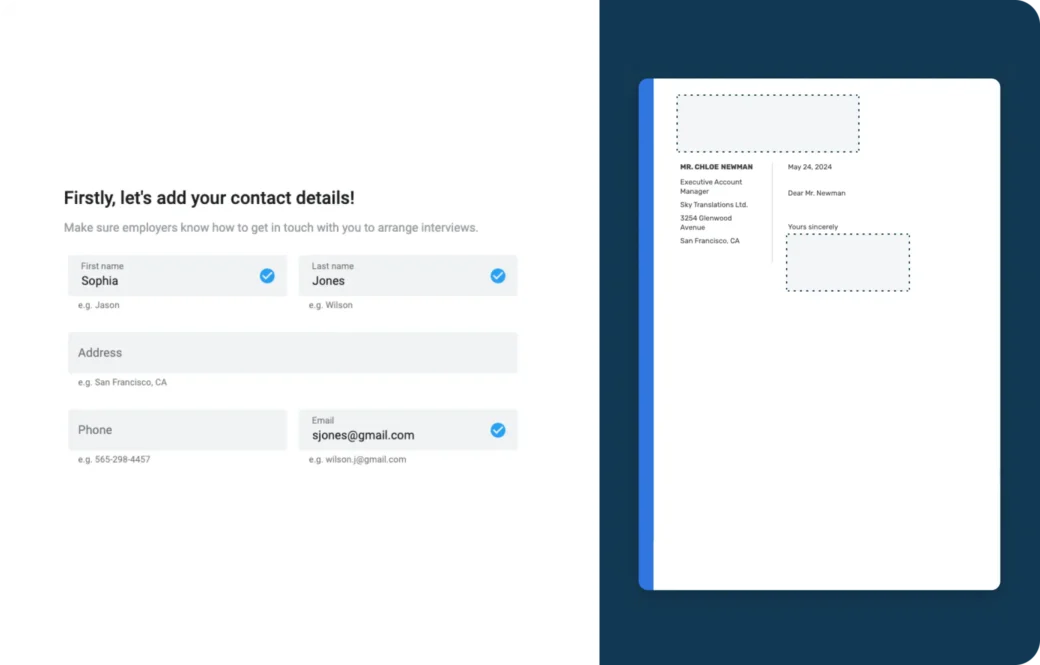
3. Fill in Your Contact Information
Make sure you’re reachable.
Include your name, email, phone number, and address.
This not only personalizes your cover letter but also makes it easy for employers to contact you for that all-important interview.
4. Write the Body of Your Letter
Tell your unique story.
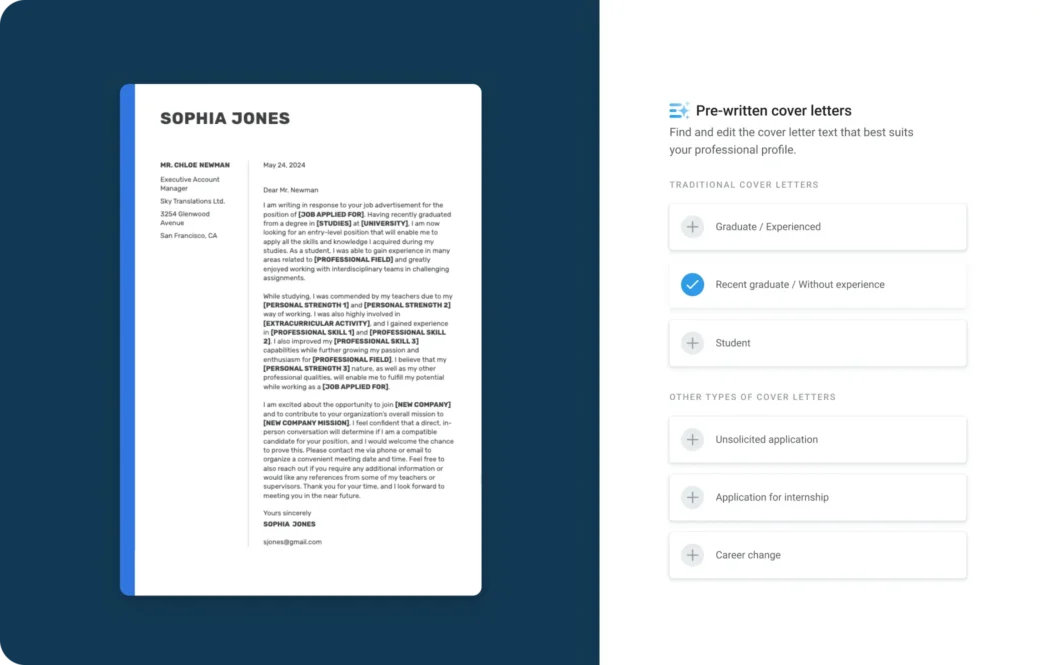
This is your opportunity to demonstrate why you’re the perfect fit for the position.
Let your motivation and qualifications shine through in 3 to 4 short paragraphs highlighting your skills, experiences, and the motivation behind your application.
Take advantage of our pre-written texts to get you started and personalize them to reflect your individual journey and aspirations.
5. Personalize Your Greeting to Reflect Your Individual Journey and Aspirations
Make a personal connection.
Address the hiring manager directly by using:
- Title (i.e., Mr./Mrs.)
- First and last name
- Job title
- Company and address
A personalized greeting not only shows that you’ve done your homework but also sets a professional tone for your letter, so make it count!
By following the steps in this article, you’ll be using our AI editor’s capabilities to the fullest, creating a cover letter that complements your resume and both will work together to elevate your entire application.